
LED Sky Panels UK
Transform suspended ceilings with illuminated LED sky panels designed to create a bright natural skylight effect in offices, clinics, waiting rooms and commercial interiors across the UK. Browse ready-made designs or create your own custom sky panel layout.
About
What Are LED Sky Panels?
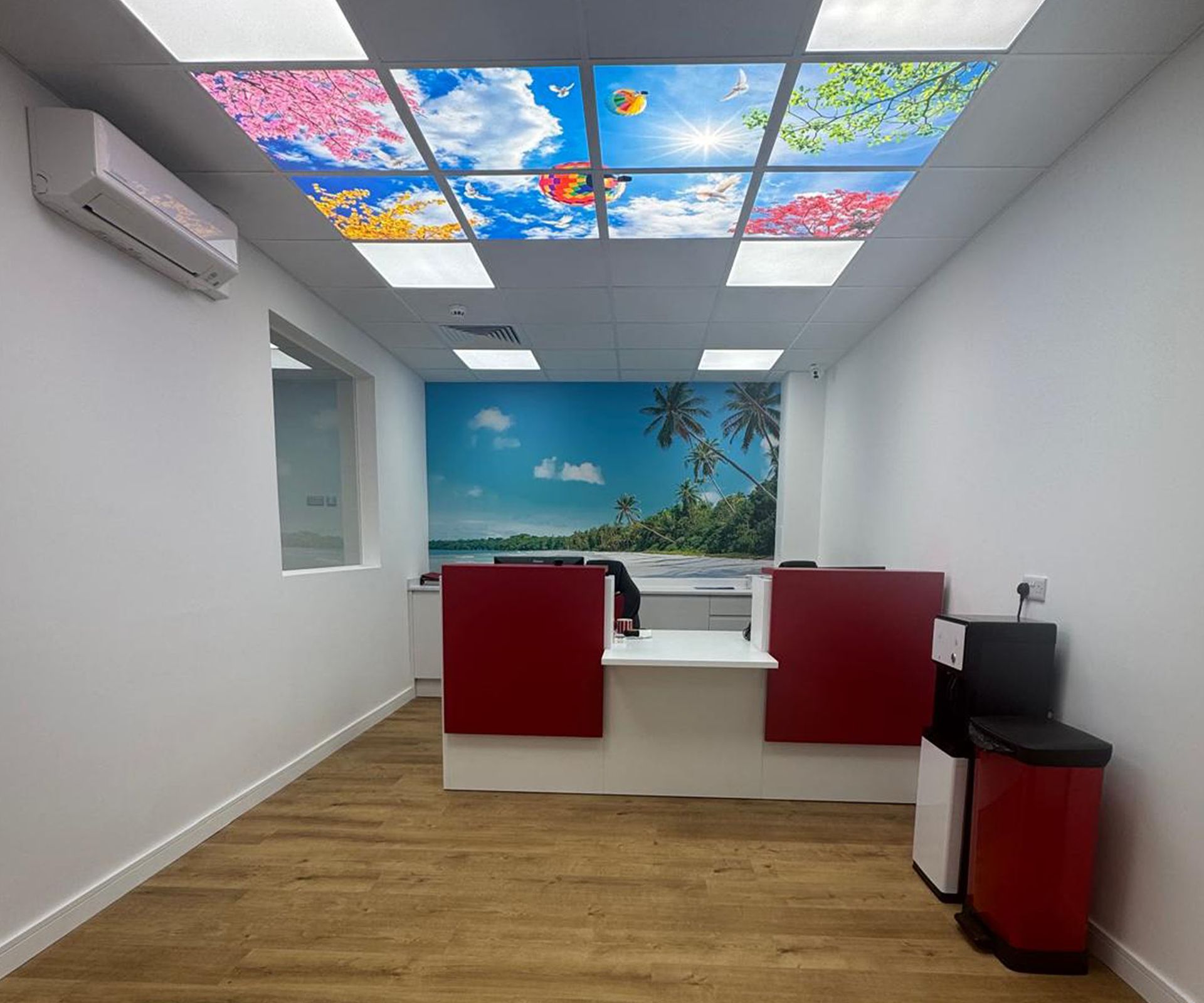
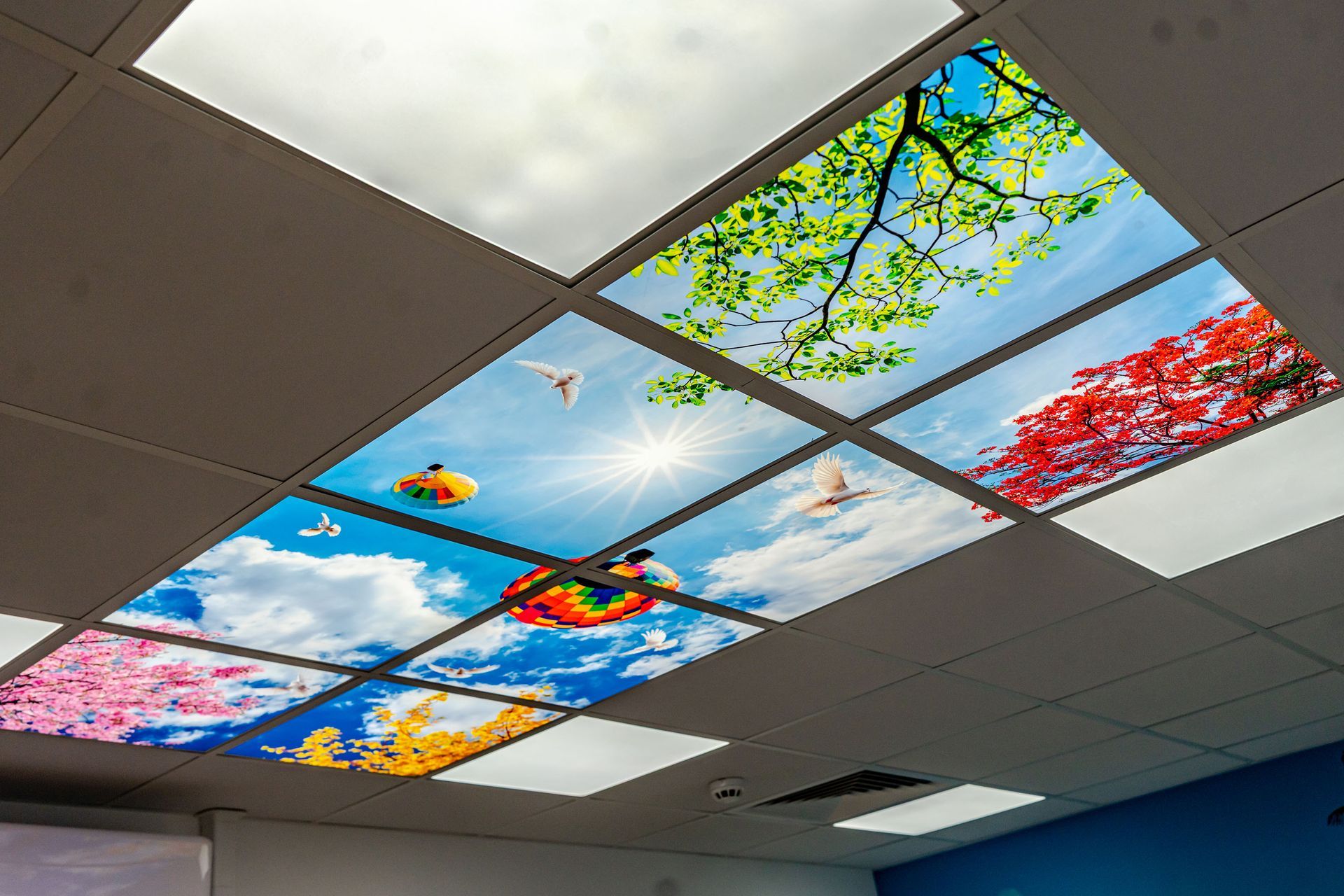
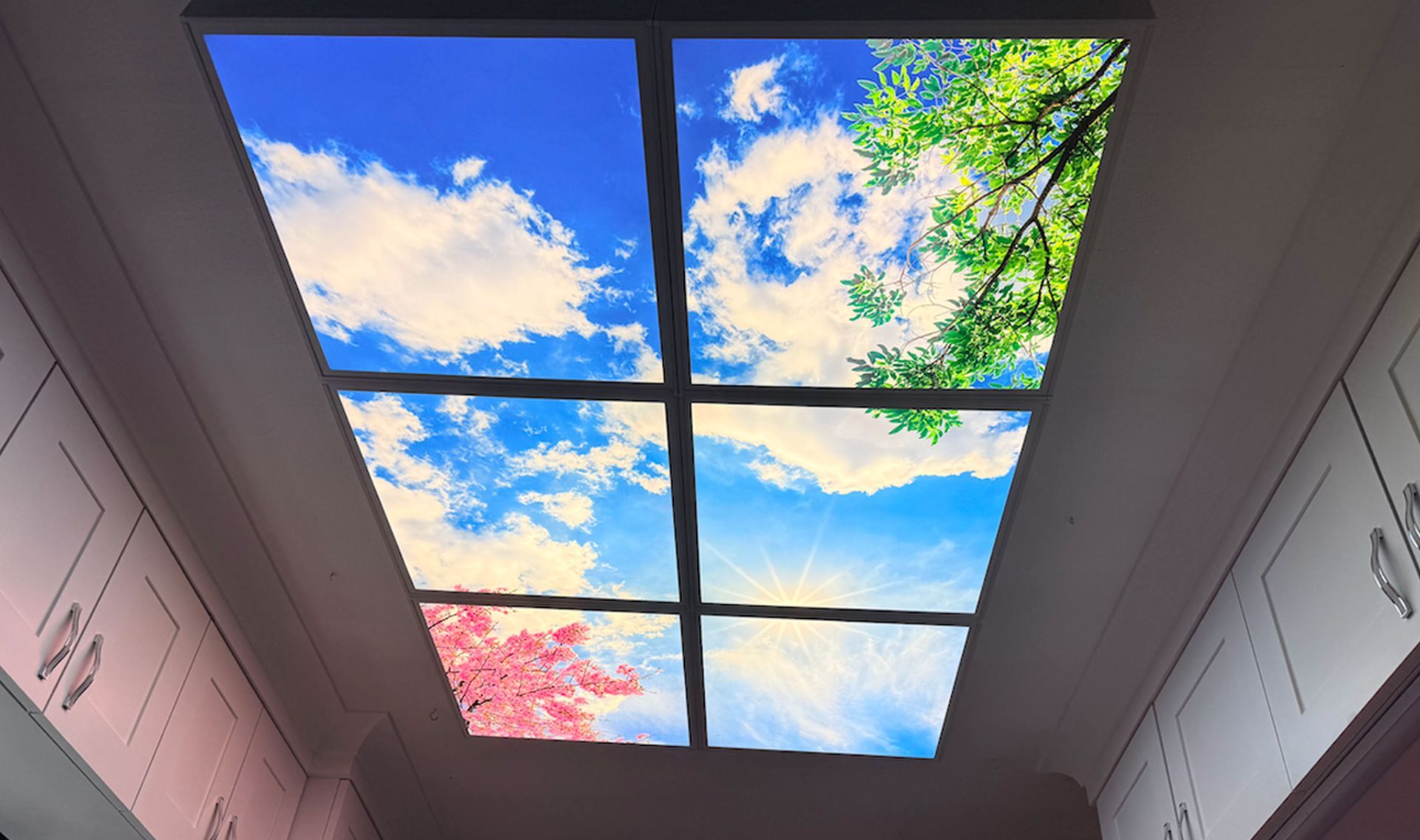
LED sky panels are illuminated ceiling panels designed to simulate the appearance of a natural skylight. Installed in standard suspended ceiling grids, they bring the feeling of daylight into interior spaces that lack windows or natural light.
Our panels use high-quality backlit LED technology combined with printed sky imagery to create a bright and realistic sky effect. They are widely used in offices, clinics, dental practices, waiting rooms, beauty salons and commercial interiors to improve atmosphere and visual comfort.
Panels measure 595x595mm suitable for 600x600mm grids Built with premium LED panels for bright, uniform illumination CCT adjustable colour temperature (3000K - 4000K - 5700K) Cost-effective and energy-efficient lighting Durable, low maintenance design
Many offices, clinics and waiting rooms lack windows or natural daylight. LED sky panels provide a bright, realistic skylight effect that helps make interiors feel more open, comfortable and welcoming.
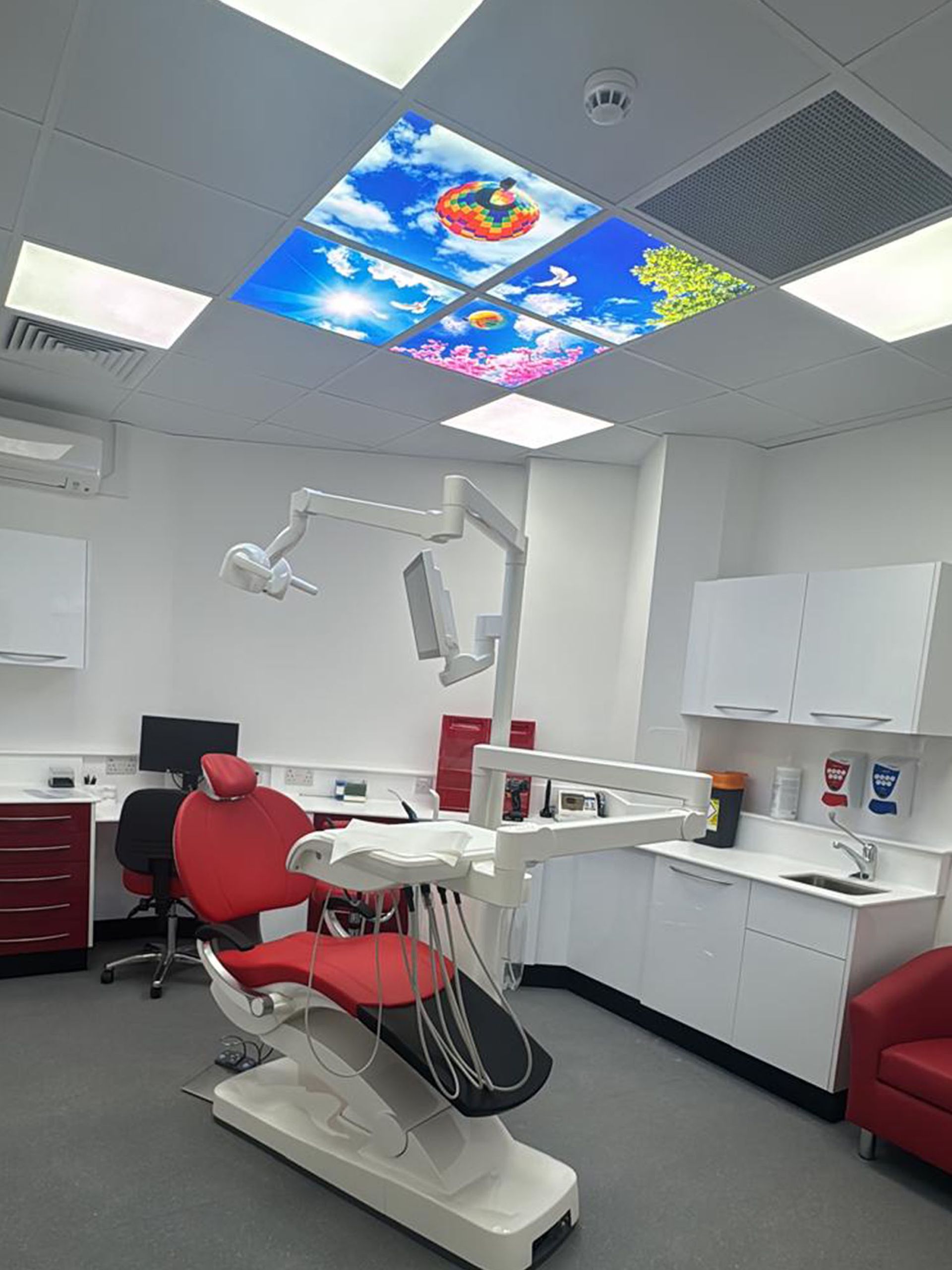
A Better Experience For Dental Patients
1. A calmer environment
Soft sky imagery can help patients feel more relaxed during treatment.
2. A pleasant distraction
Instead of staring at a plain ceiling, patients can focus on a bright sky scene.
3. A less clinical atmosphere
Natural sky views help treatment rooms feel more comfortable and welcoming.
Design Your Own LED Sky Ceiling
Choose from a variety of sky scenes including clouds, trees, blossoms and tropical views. Use our design tool to create a custom LED sky ceiling that fits perfectly into your space.
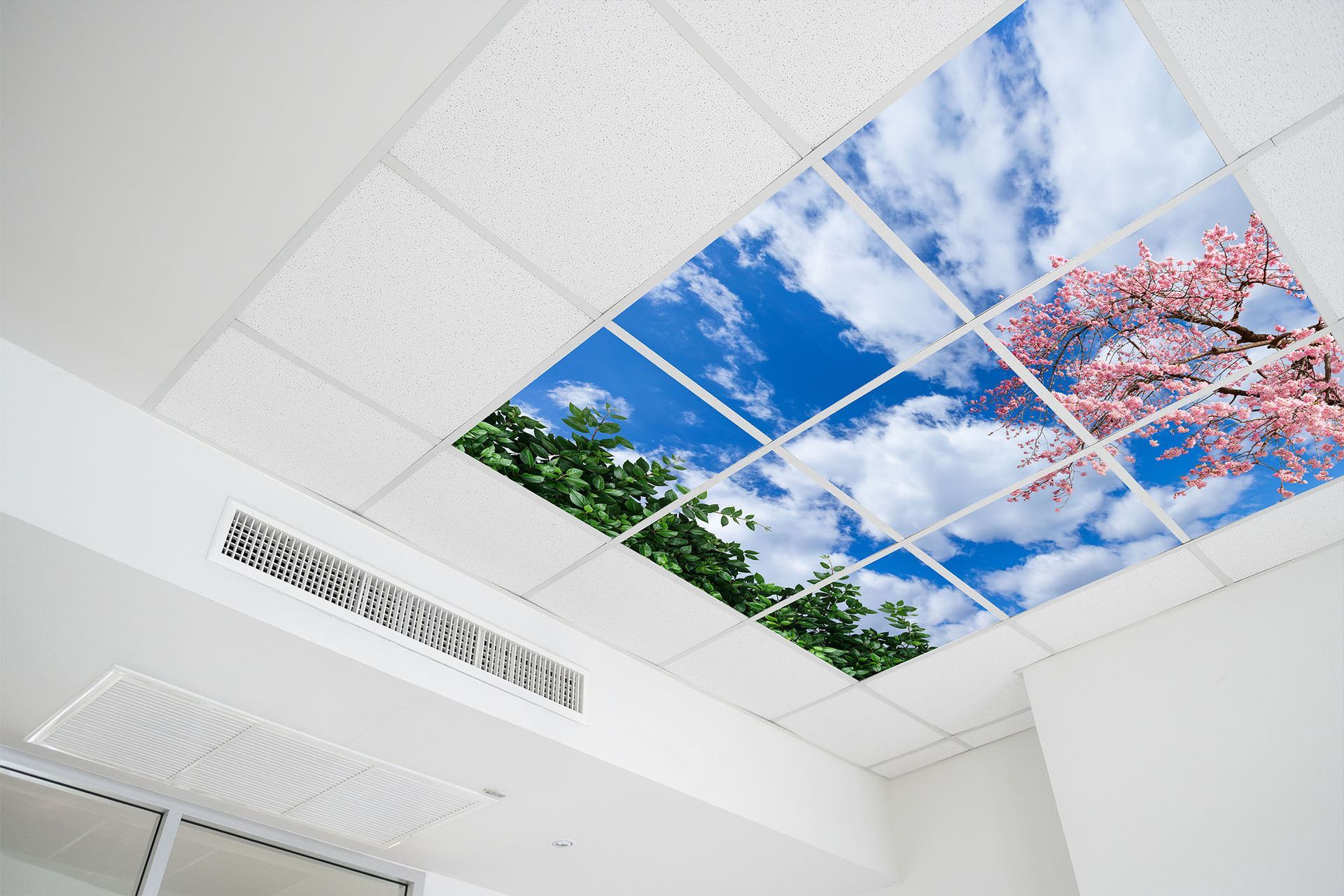
Transform Modern Offices
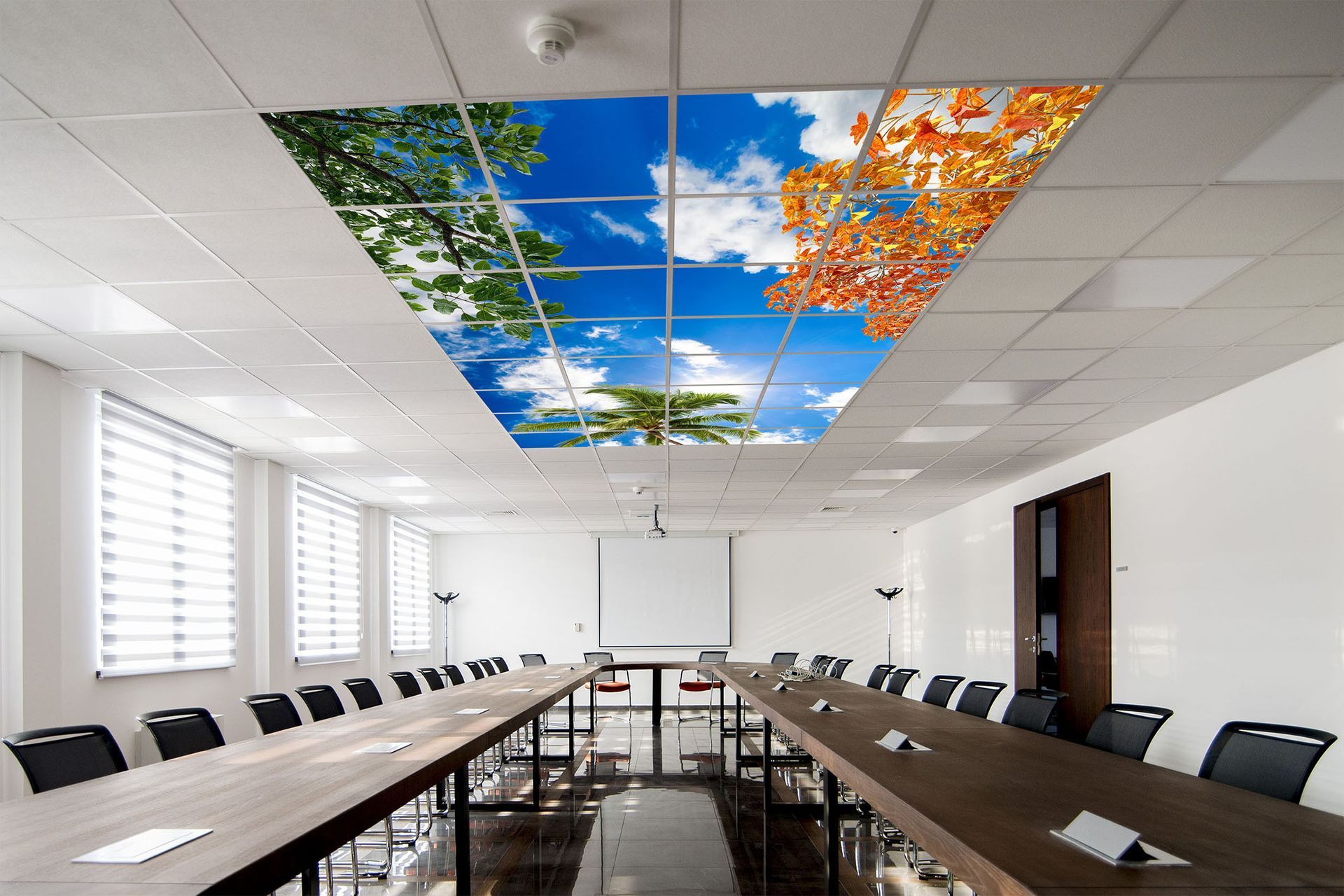
Brighter Meeting Environments
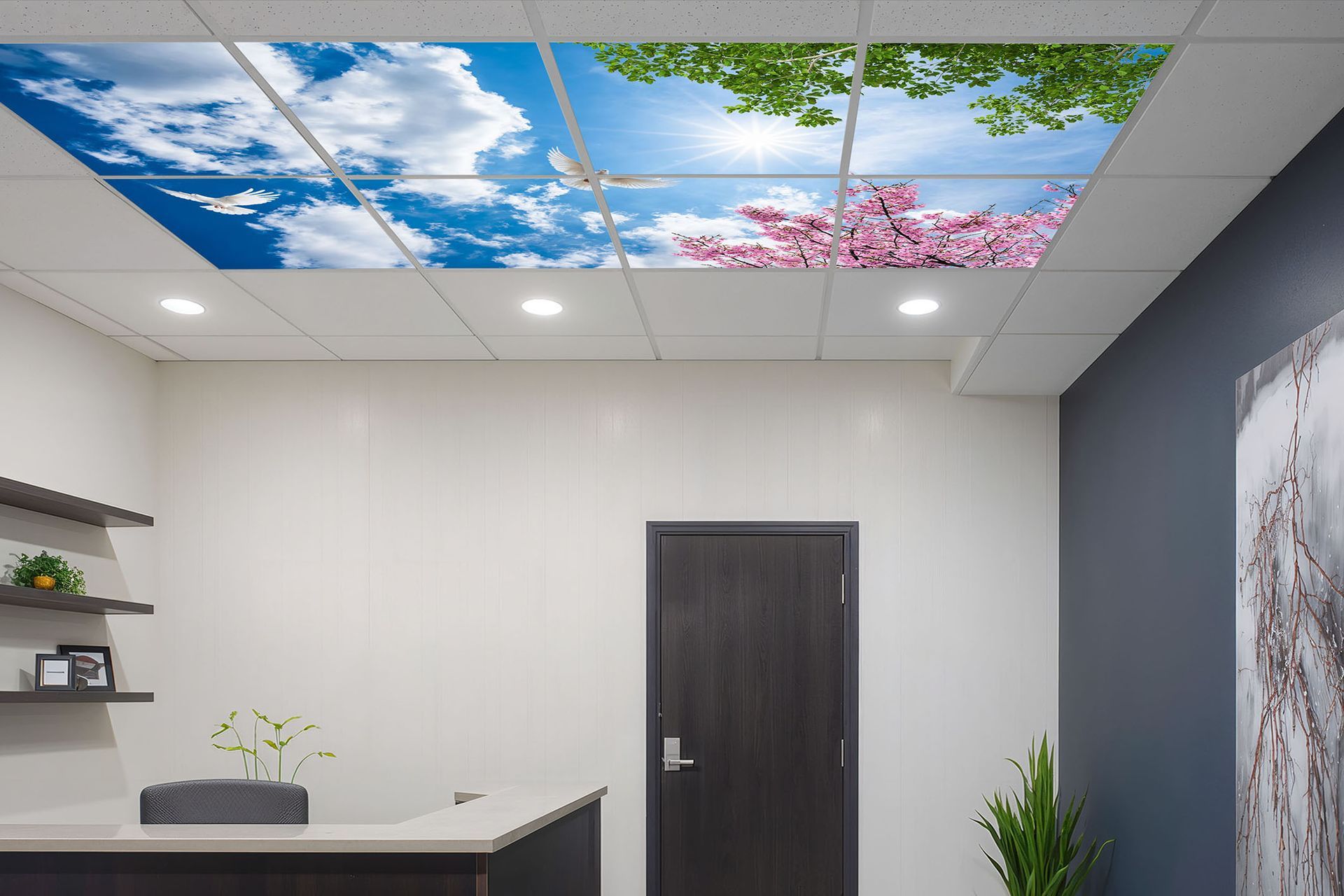
Ideal for Commercial Interiors
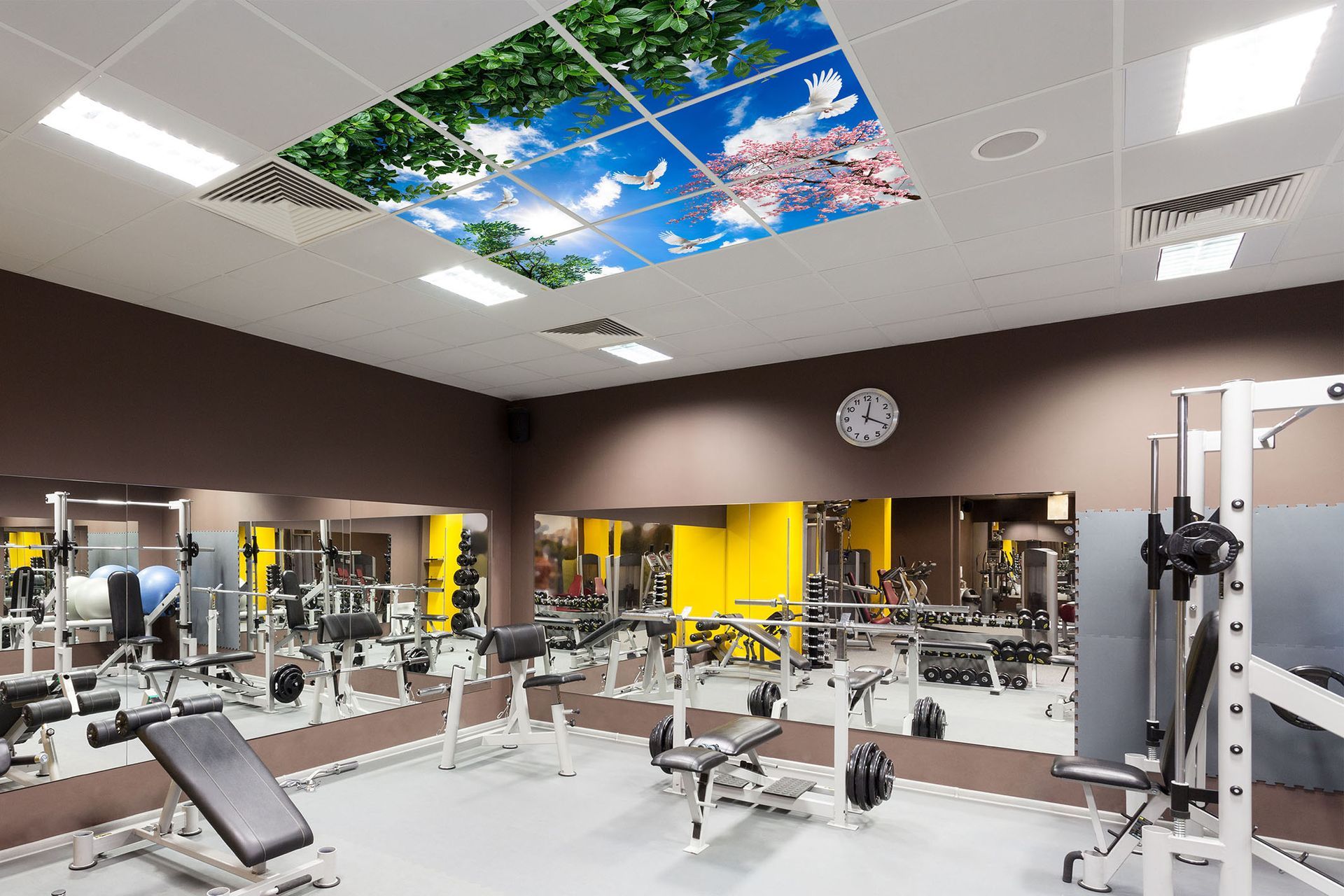
Active & Wellness Spaces

Why Choose
LEDSKYPANELSUK Panels?

Increased lifetime of up to 50,000 hours

Reliable performance